CLIENT PORTAL
Directly to your personal booking tool? Use the button below.
How to install on your phone?
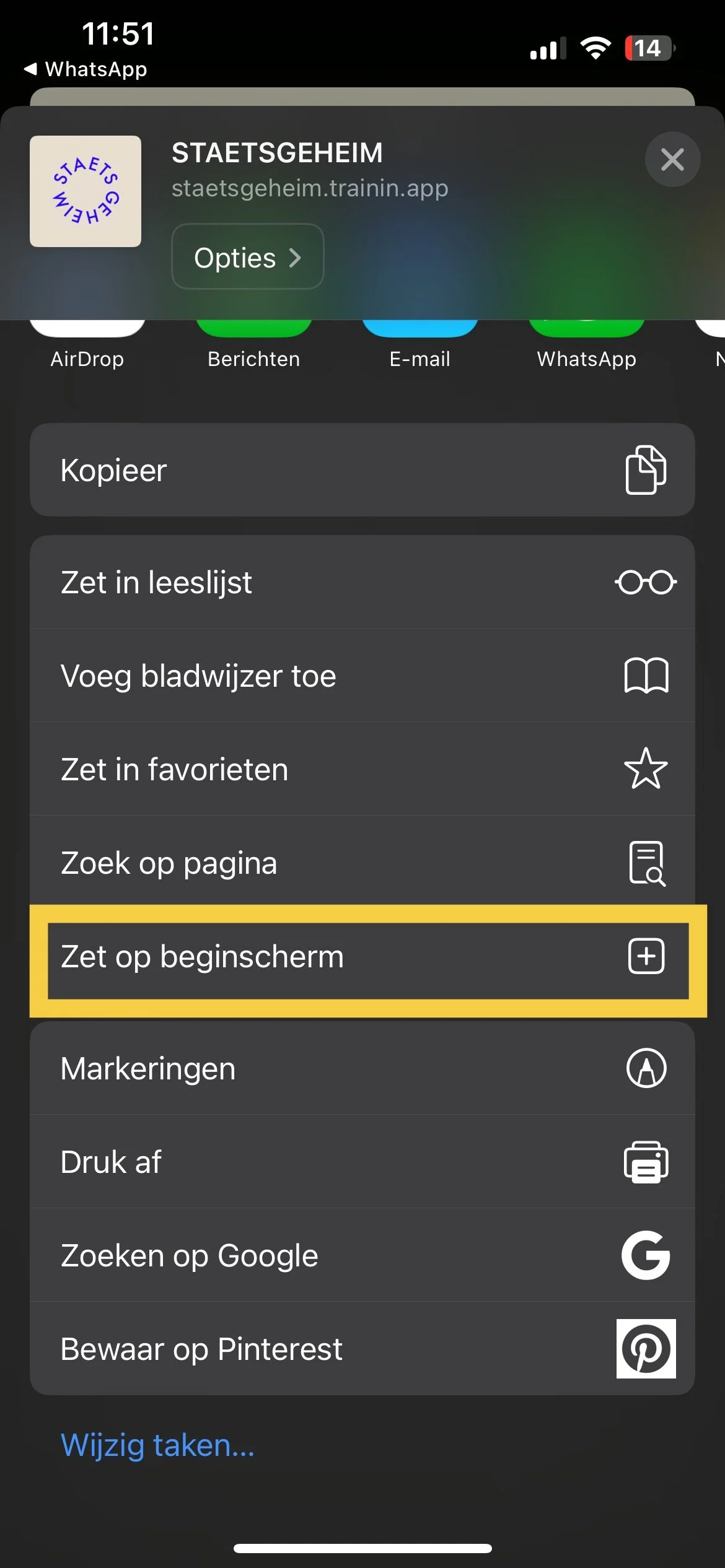
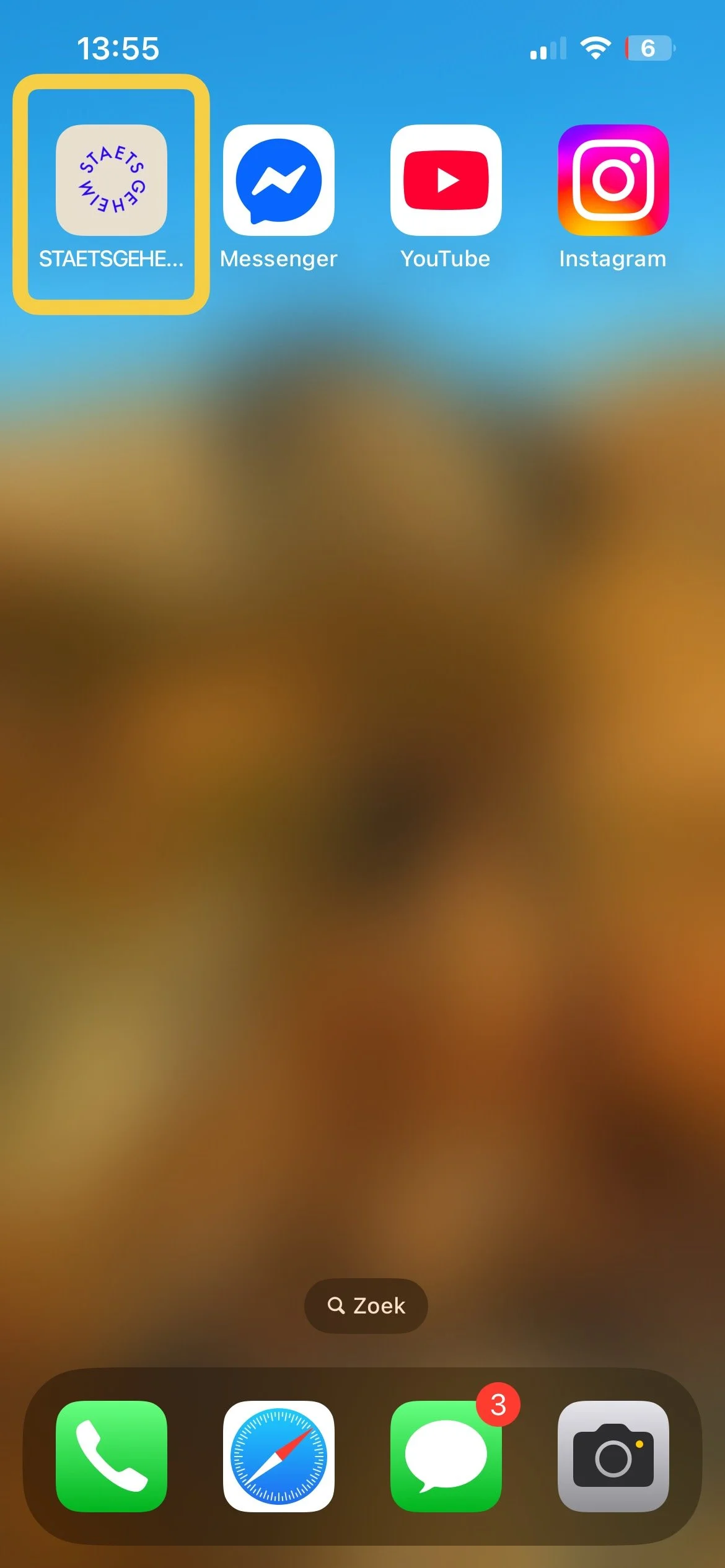
You can install the app by copying the link - https://staetsgeheim.trainin.app - and opening it in Chrome (Android) or Safari (iOS). On the bottom of your browser screen you will see a button (a square with an arrow in it), press on that button to start the installation.
See the instructions steps below for how to install the Staetsgeheim app:


If you have forgotten your password, you can click on 'Forgot password?' in the login screen.
Regards,
Staetsgeheim